Press Kit
Last updated: September 2026 · Blackmagic RAW SDK 6
Media resources for BlackRAW Visor — the first native BRAW viewer and grading workflow built for iPhone. Open, play, inspect, grade and export Blackmagic RAW (.braw) files directly from Files or a USB-C / Thunderbolt SSD. For press inquiries, review access or custom assets, email [email protected].
Fact sheet
One-liners
30 words
BlackRAW Visor is the first native BRAW viewer and grading workflow built for iPhone. Supported Camera RAW controls. Live LUT preview. Sidecar export. No laptop.
10 words
BRAW on iPhone, straight from Files or a USB-C SSD.
Tagline
The BRAW viewer you've been waiting for. On your phone.
Product description
Short (80 words)
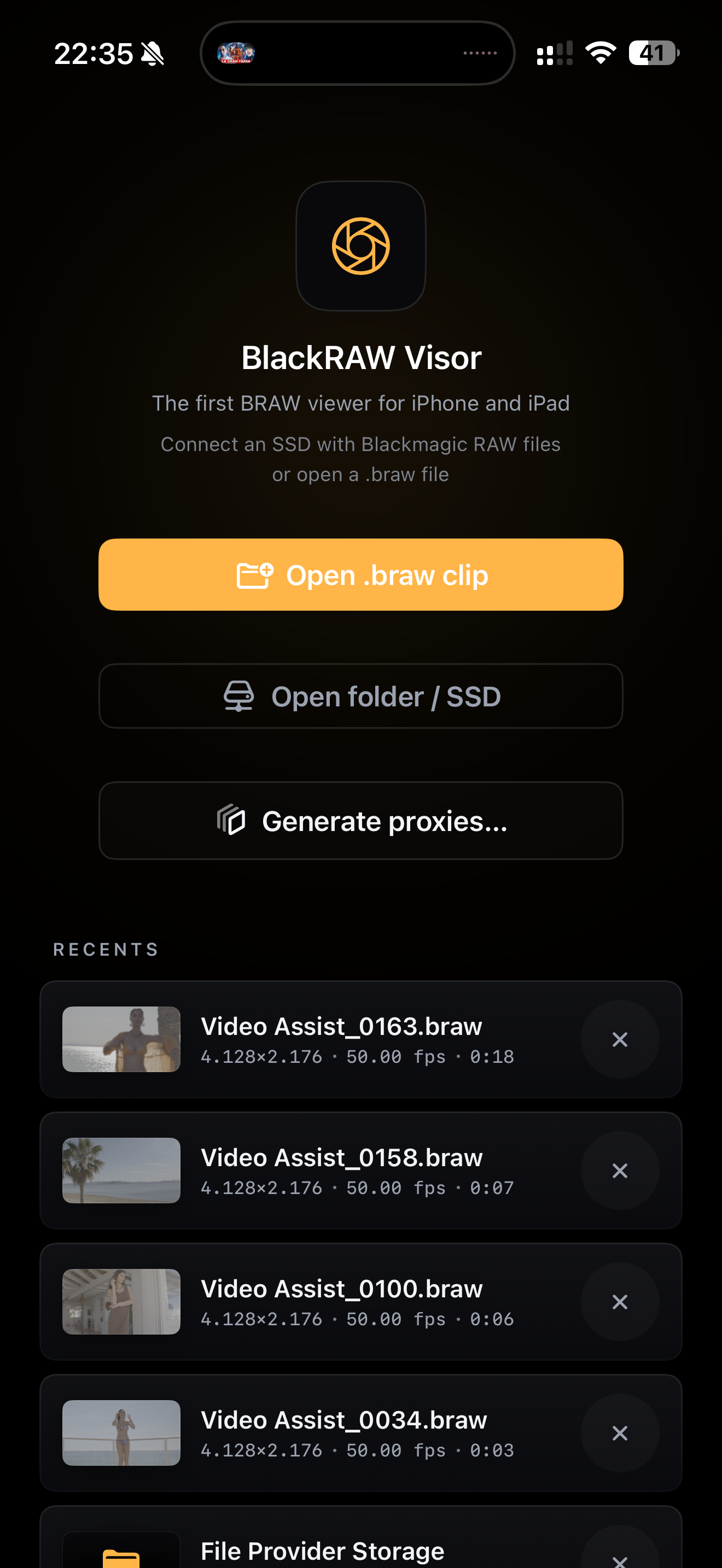
BlackRAW Visor is the first native BRAW viewer and grading workflow built for iPhone. It opens compatible Blackmagic RAW (.braw) files directly from Files or an external USB-C or Thunderbolt SSD. No transcode, no laptop. On screen you get supported Camera RAW controls — including ISO, white balance, tint, colour space, gamma, exposure and tone curve — plus live .cube LUT preview, false colour, and a Blackmagic-native .sidecar export for DaVinci Resolve.
Long (240 words)
BlackRAW Visor was the first native iOS application built for opening, grading and exporting Blackmagic RAW files. It targets a gap that has persisted since the release of BMPCC cameras in 2018: the need for a portable viewer that doesn't require dragging out a laptop between takes.
The app works directly from compatible external storage connected to an iPhone or iPad. Files are read in place via security-scoped bookmarks, without creating an extra media copy. On screen, the app exposes supported Blackmagic RAW controls through Metal-accelerated decode. Adjustments are non-destructive and can be exported next to the original clip in a .sidecar file for DaVinci Resolve.
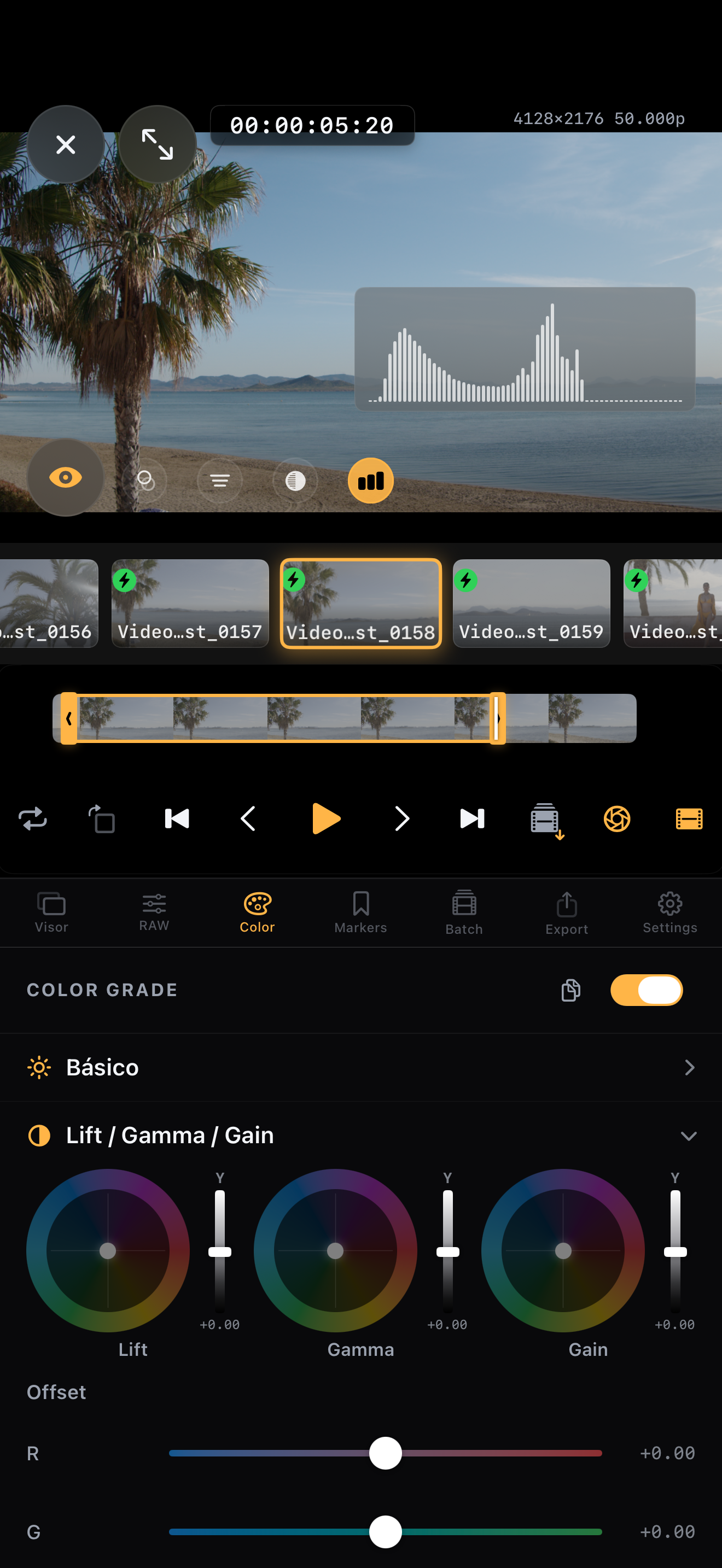
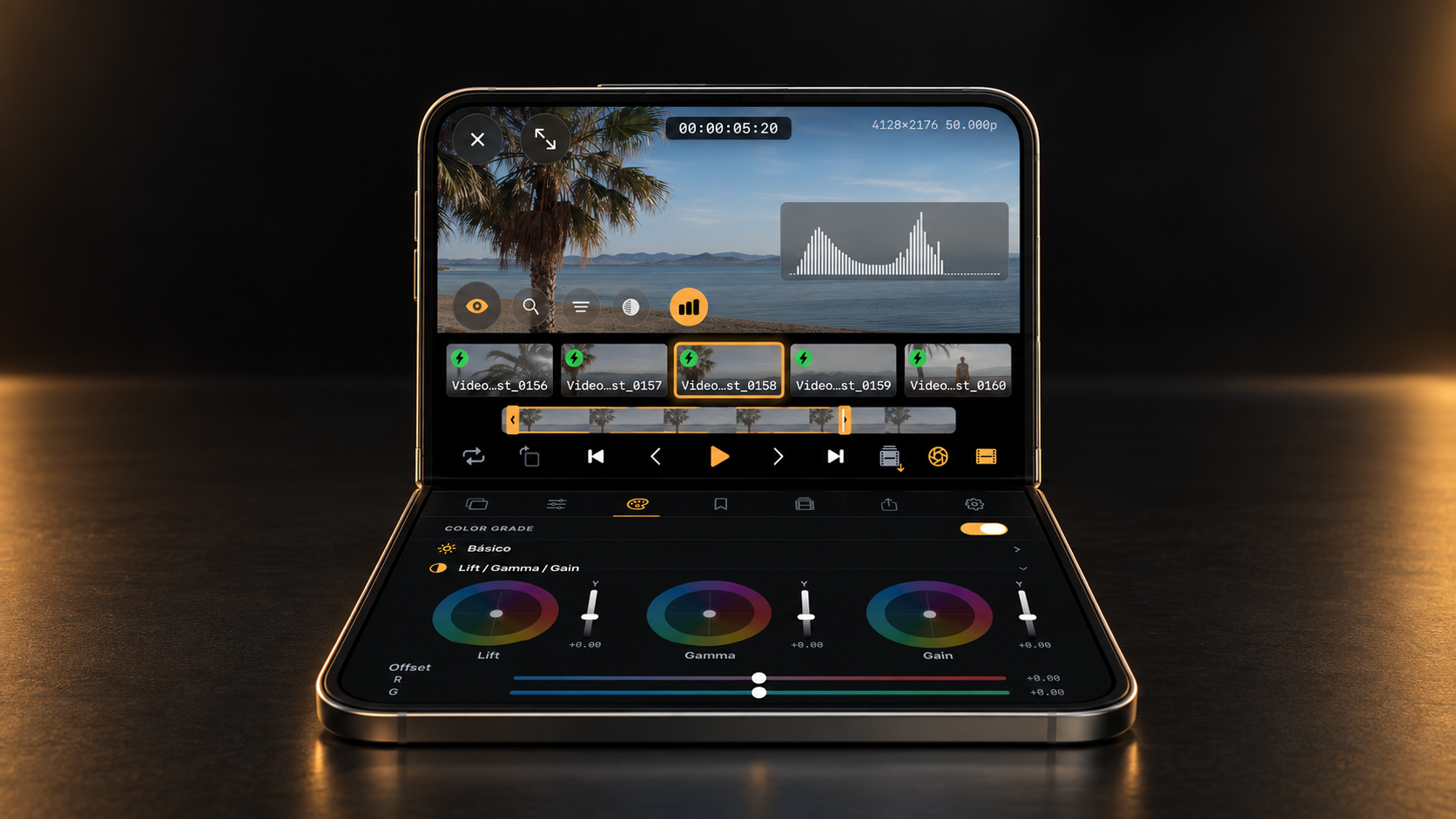
Beyond viewing, the app includes professional tools: 3-way colour grading (Lift/Gamma/Gain), a full 8-band HSL mixer, on-set monitoring (histogram, focus peaking, zebra stripes, false colour), 3D LUT import and preview, trim-to-new-BRAW, proxy generation, frame export, and video transcoding to MP4/MOV for post. The app uses the official Blackmagic RAW SDK bridged through a custom Metal render pipeline — no Blackmagic affiliation, just tight engineering.
Who it's for
- DITs & data wranglers — check rushes between takes without a laptop.
- Camera operators — playback and frame markers on set.
- Directors — quick review loop with first-pass colour decisions.
- Colourists — mobile grading with confidence that a
.sidecarships the decisions untouched back to Resolve. - Indie filmmakers — the whole pipeline in the pocket.
Key features
- Zero-copy playback — clips stream directly from external SSDs. Nothing is copied.
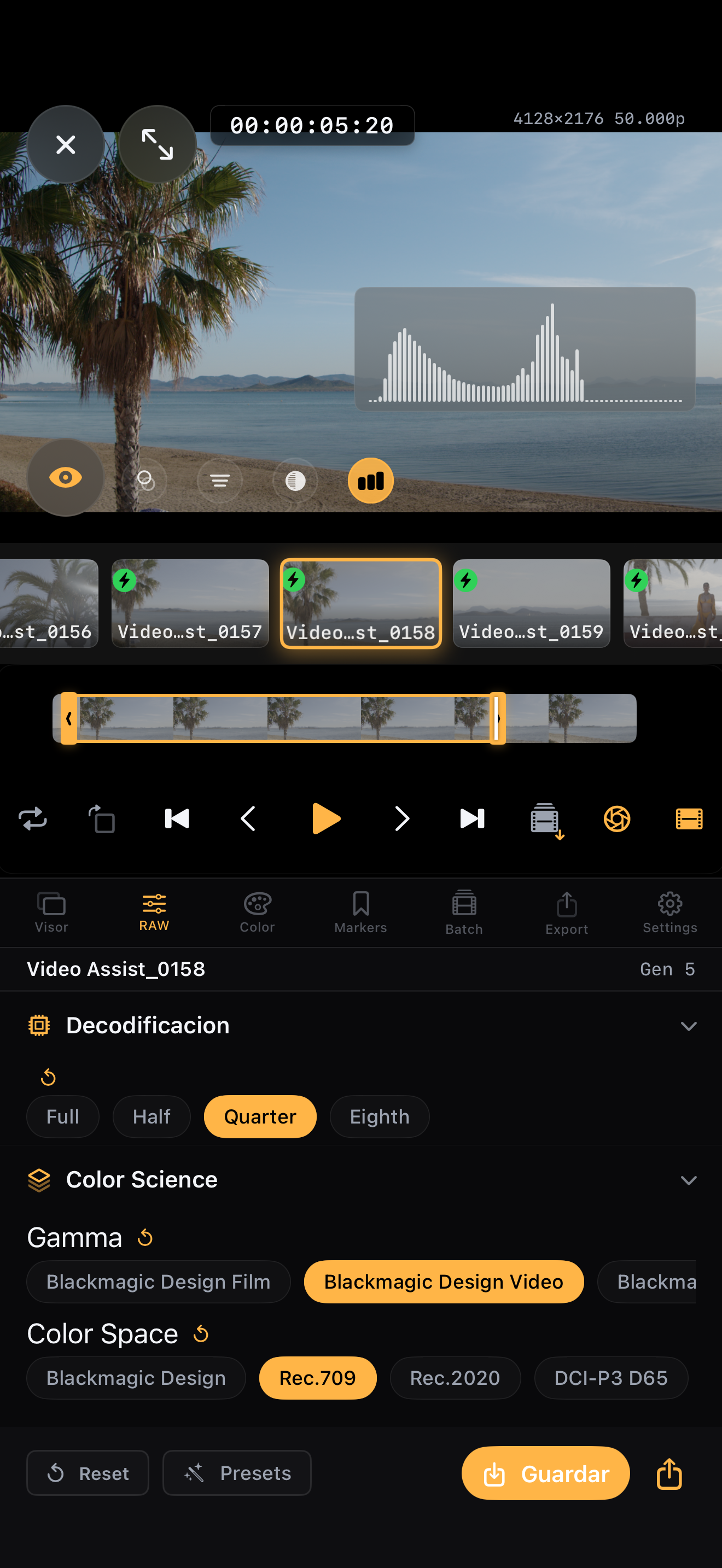
- Supported Camera RAW controls — ISO, white balance, tint, colour space, gamma, exposure and tone curve.
- Metal-accelerated decode — selectable full, half, quarter and eighth decode quality. Playback performance varies by clip, device, resolution and thermal conditions.
- 3-way colour grading — Lift, Gamma, Gain correctors with per-channel offset.
- HSL mixer — 8 hue bands with Hue / Saturation / Luminance per band.
- Curves — master + per-channel RGB, S-curve support.
- On-set monitoring — histogram, focus peaking, zebra stripes, false colour, clipping guide.
- 3D LUT library — import
.cubefiles, preview live, bake on export. - Export formats — single frames (PNG/JPEG), video (MP4/MOV ProRes), trimmed
.braw, proxies. - Sidecar export — Blackmagic-native
.sidecarthat DaVinci Resolve picks up automatically. - Batch operations — multi-clip proxy generation, batch frame export.
- Project management — reels, markers, notes, sidecar-first workflow.
- Privacy by design — no account required and no footage upload. Privacy-preserving product analytics are disclosed in the privacy policy.
Storage & filesystem support
The app uses UIDocumentPickerViewController with security-scoped bookmarks, inheriting whatever iOS supports natively on USB-C / Thunderbolt external storage.
| Filesystem | Read | Write (sidecar) | Notes |
|---|---|---|---|
| exFAT | ✓ | ✓ | Most common format on camera SSDs (BMD, Samsung T7, SanDisk Pro). Recommended. |
| APFS | ✓ | ✓ | Apple's native filesystem. Full read/write. |
| HFS+ | ✓ | ✓ | Classic Mac format. Still fully supported. |
| FAT32 | ✓ | ✓ | ⚠ 4 GB per-file limit — unsuitable for long .braw clips. |
| NTFS | ✓ | read-only | iOS mounts NTFS read-only. Sidecars are stored in the app sandbox instead of on the SSD. |
Tip for productions: format SSDs as exFAT before a shoot. It's the cross-platform standard and Blackmagic cameras ship with exFAT by default.
Technical
MTLBuffer aliasPricing
- Free — BRAW playback, metadata display and per-clip previews.
- Pro Monthly — $4.99 / month
- Pro Annual — $39.99 / year (save ~33%, 7-day free trial)
- Pro Lifetime — $69.99 one-time
Pro unlocks: supported Camera RAW controls, 3-way colour grading, HSL, curves, 3D LUTs, monitoring tools, .sidecar export, video/frame/proxy/trim export.
Press access: media receive one month of BlackRAW Visor Pro. Email [email protected] with your outlet.
Screenshots & brand assets
High-resolution screenshots, the app icon and the iPhone Duo laptop-mode concept are available below. For additional assets, email [email protected].

Background
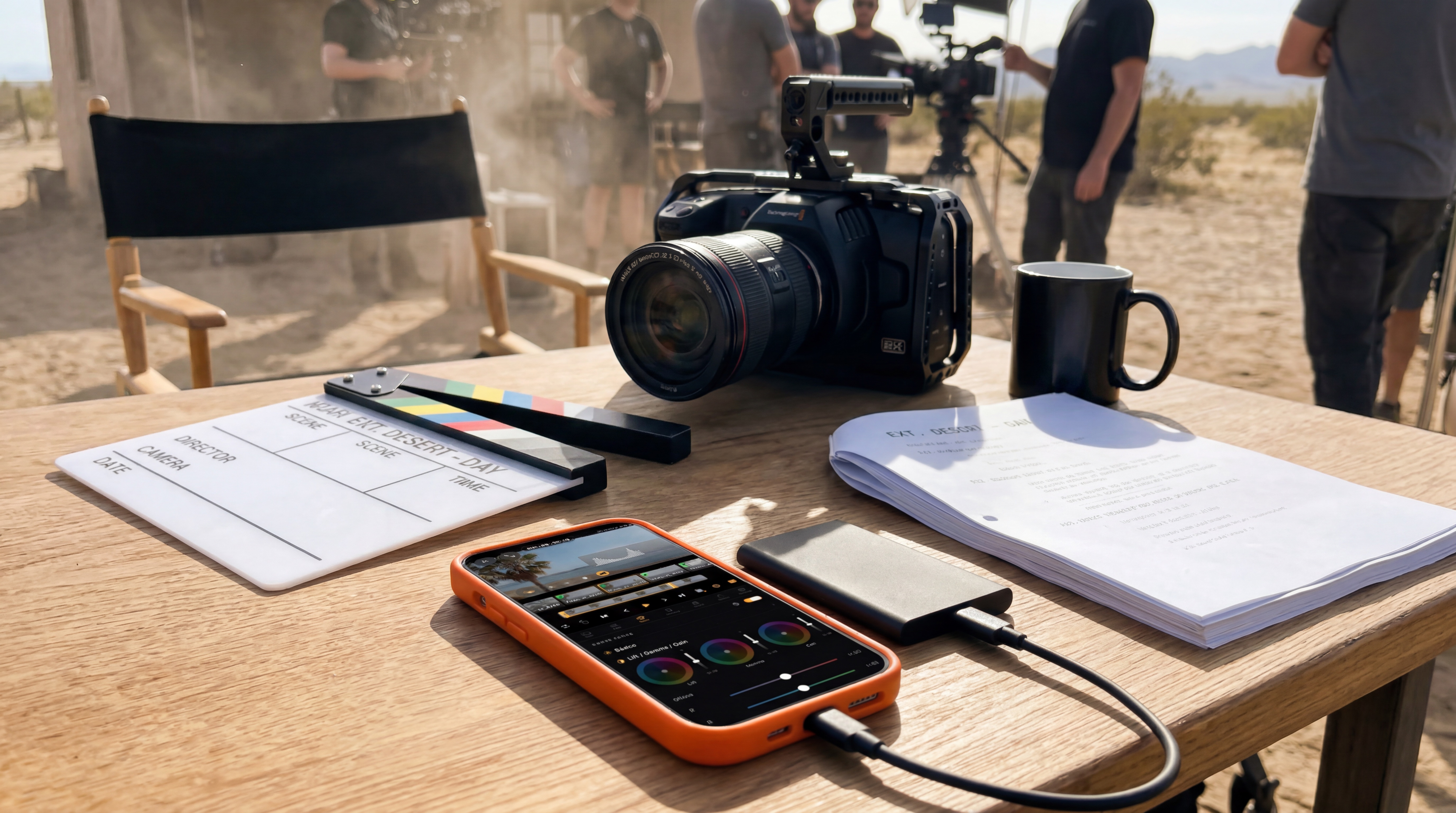
BlackRAW Visor was created to remove a recurring on-set bottleneck: opening a laptop just to inspect BRAW camera originals. Connect the SSD to an iPhone, open the original, check the take, adjust RAW and colour controls, and export what post needs.
The current release integrates Blackmagic RAW SDK 6 and keeps the workflow local on the device.
Press contact
BlackRAW — press and product team